USING OPEN OFFICE SUITE AND LIBRE OFFICE SUITE
USING OPEN OFFICE AT ST. THERESA PreK Program
Some of the laptops in the School use either Open Office or Libre Office which are free software suites that can be used in Cross Platform Environments — Windows, Linux, and Apple OS
- Writer – Same as Microsoft Word
- Calc – Same as Microsoft Excel
- Impress – Same as Microsoft PowerPoint
- DataBase – Same as Microsoft Access
- Formula – Same as Microsoft Equation Editor
Below are some screen shots showing you the screens you would see with each of those applications.
Open Office Start Menu Screen

 Open Office Writer Screen
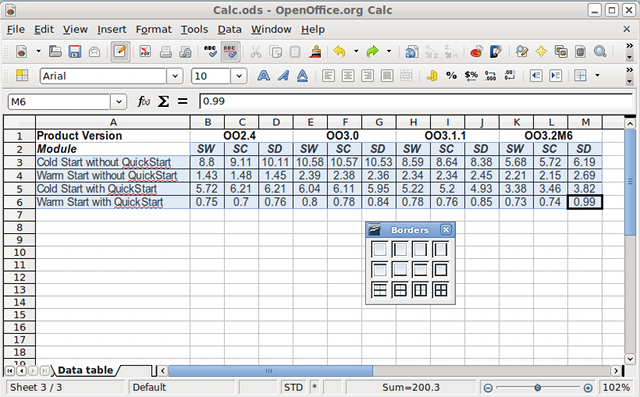
Open office Calc Screen

Open Office Impress Screen
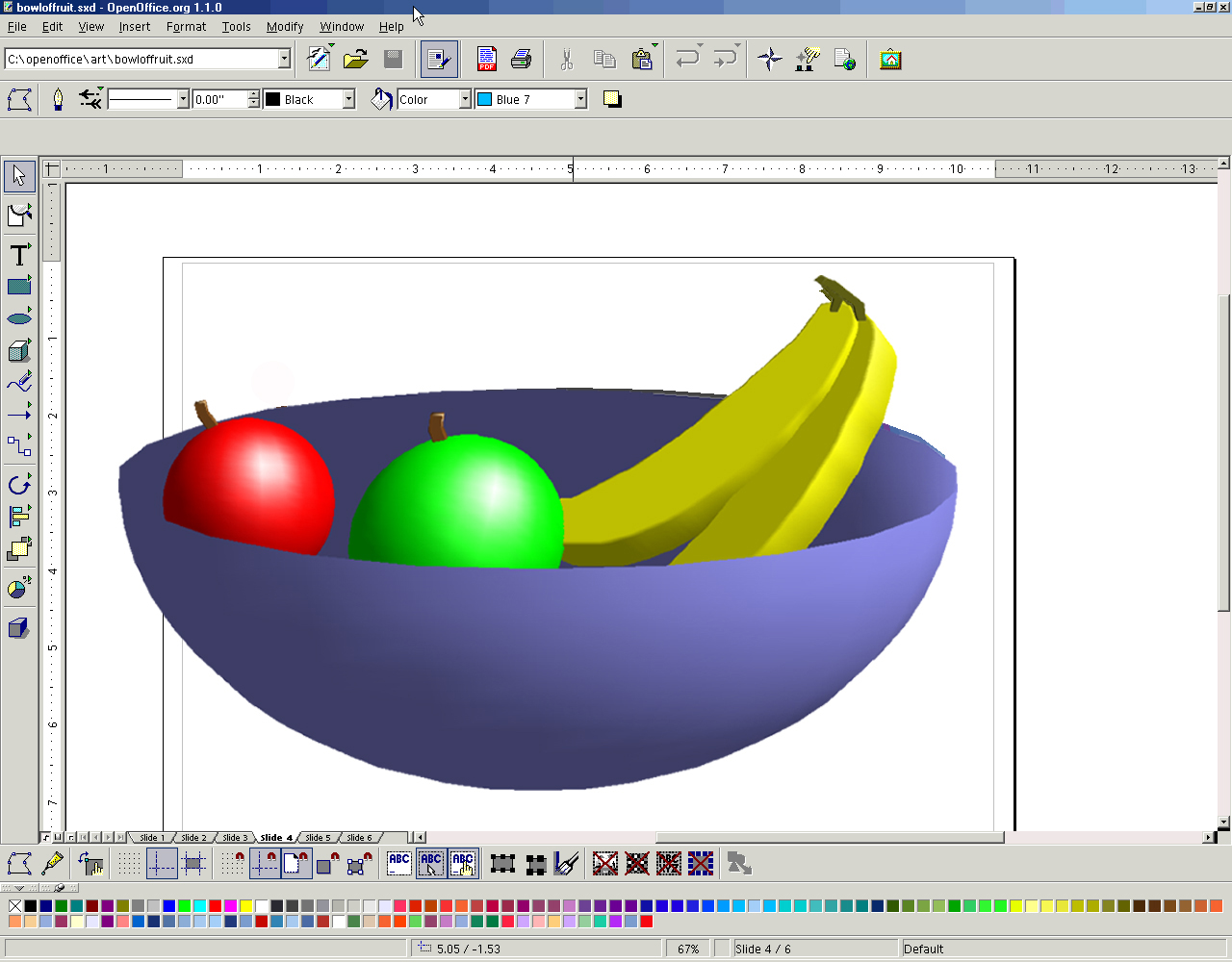
Open Office Draw Screen

Open Office Database Screen
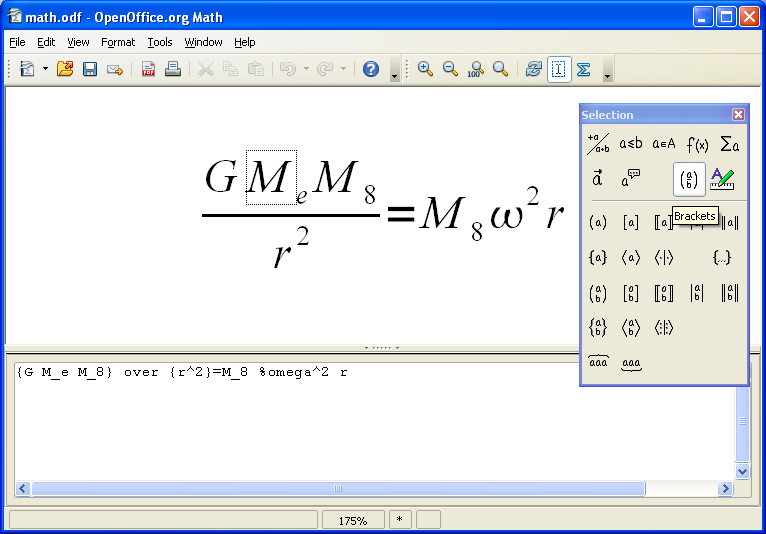
Open Office Formula Screen
Using these applications is the same as it was with the Microsoft Office Products. There are Menu Bars, Button Bars, Scroll Bars, all of the same tools you had with Microsoft Office. You may need to get used to seeing some new icons and menu lists, but the same functionality is here in Open Office.
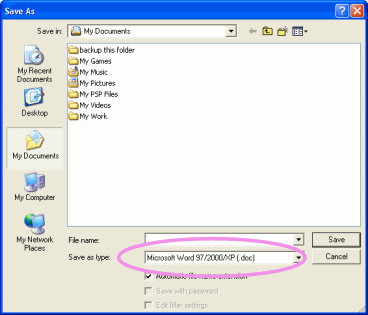
The primary concern is when you save data files using Open Office. Open Office uses as its default (primary) file save settings the “Open Document Format” or “.odf” or in some the suffix “odt” for open document text is used. This is a format used by many software providers now, and in some cases that format is now available in newer versions of Microsoft Office Products; however, most versions of Microsoft Office do not support this format. When saving data files it is important to either use the Microsoft Office Compatible File Versions or use the following formats: (See File Type Screenshot below)

Please note since Open Office is a Cross-Platform Application Suite, versions of this software for Windows, Mac, Linux, Solaris, etc. will contain different file types depending on the Operating System they are being integrated with. The list above is a brief comparison of file types for Windows, but is not an all inclusive list for all versions of Open Office.
In writer use – Rich Text Format
- In Impress use – Microsoft PowerPoint .ppt format
- In Calc use – Microsoft .xls or use .csv (comma separated values)
- In Database use – .dbf
- In Formula use – .mml
- In Drawing use – If creating a drawing for the WEB use only .gif, .jpg, or .png, you may use any other available format for most other applications. You can save as .bmp if using with other Microsoft Products
- If saving data for use on the WEB using only standard .html or .xml
REMEMBER SAVING IS NOT A FUNCTION MANAGED BY THE APPLICATION SOFTWARE IT IS MANAGED BY THE OPERATING SYSTEM. YOU WILL ALWAYS SEE THE SAME “SAVE AS” AND “OPEN” DIALOG BOXES AS YOU WOULD WHEN USING ANY PROGRAM IN THE WINDOWS ENVIRONMENT.
ALSO REMEMBER THAT PRINTING IS A FUNCTION MANAGED BY THE OPERATING SYSTEM AND YOU WILL ALWAYS SEE THE SAME “PRINT” DIALOG BOX AS YOU WOULD WITH ANY MICROSOFT WINDOW OPERATING SYSTEM ENVIRONMENT.
OPEN OFFICE IS AN APPLICATION PROGRAM AND LIKE ALL APPLICATION PROGRAMS DOES NOT CONTROL THE STORAGE OR RETRIEVAL OF INFORMATION OR THE PRINTING OF INFORMATION ON A COMPUTER SYSTEM THOSE FUNCTIONS ARE ALWAYS HANDLED BY THE OPERATING SYSTEM SOFTWARE REGARDLESS OF WHAT OPERATING SYSTEM YOU ARE USING.
OPEN OFFICE TUTORIALS CAN BE FOUND HERE:
www.tutorialsforopenoffice.org/
www.learnopenoffice.org/tutorials.htm
HTTP://support.openoffice.org/
www.youtube.com/watch?v=8a3Ku4MCHHg
http://www.sheepdogguides.com/fdb/fdb1main.htm
Open Office Tutorials:
http://www.tutorialsforopenoffice.org/
http://www.learnopenoffice.org/
http://documentation.openoffice.org/tutorials/index.html
http://support.openoffice.org/
LIBRE OFFICE
Now that Open Office is owned by Oracle Software we are moving some computers to the Open Source Libre Office Suite as well. The Libre Office suite works very much like Open Office. It has a few additional features but uses the core of the Open Office Suite in the product. There should be very little if any learning curve for learning to use this new office suite.
Libre Office Video Tutorials can be found here: https://www.youtube.com/@libreofficetutorials9499
Other Libre Office Tutorials can be found at the sites below:
https://en.libre-office.fr/staticpages/index.php/free-tutorials-for-libreoffice
 Khwal12's Blog
Leave a comment